
Download Joodo – file sharing, P2P, multimedia player, chat, RSS reader, calendar
Overview
Joodo is a peer-to-peer (P2P) mobile application designed to facilitate direct file sharing between users within a personalized network of contacts. The app enables individuals to exchange photos, videos, and other digital content with friends and family without relying on centralized servers or cloud storage. This decentralized model emphasizes privacy, trust, and user control, making it particularly relevant for users who prioritize secure communication and data ownership. The platform operates on a user-generated network, meaning that connections are established only between individuals who have manually added each other, reinforcing a sense of community and reducing exposure to public or third-party access.
Targeted primarily at personal users seeking efficient, private ways to share media, Joodo serves as a utility tool for everyday digital interactions. Its integration of a multimedia player, chat functionality, RSS reader, and calendar expands its role beyond simple file transfer, positioning it as a multifunctional productivity companion. Real-world use cases include sharing vacation videos with relatives, distributing event photos after gatherings, or coordinating schedules through shared calendar entries. Despite its release in 2008, Joodo remains notable for its early adoption of P2P principles in mobile environments, contributing to the evolution of decentralized communication tools in the app ecosystem.
Key Features & Functionality
- User-Generated Network: Joodo enables direct file sharing within a network composed exclusively of the user’s contacts. This peer-to-peer structure minimizes reliance on external servers and enhances data privacy by limiting access to trusted individuals.
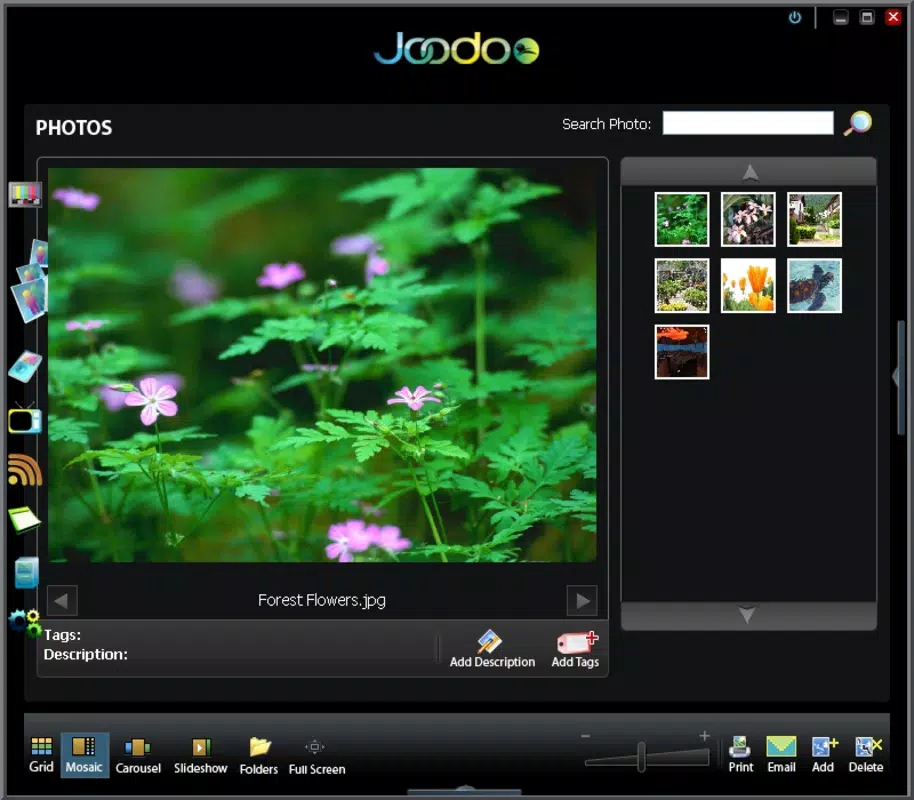
- Built-In Multimedia Player: Leveraging Real Player technology, the app includes a native player capable of streaming and playing video and audio files directly within the interface, eliminating the need to switch between applications.
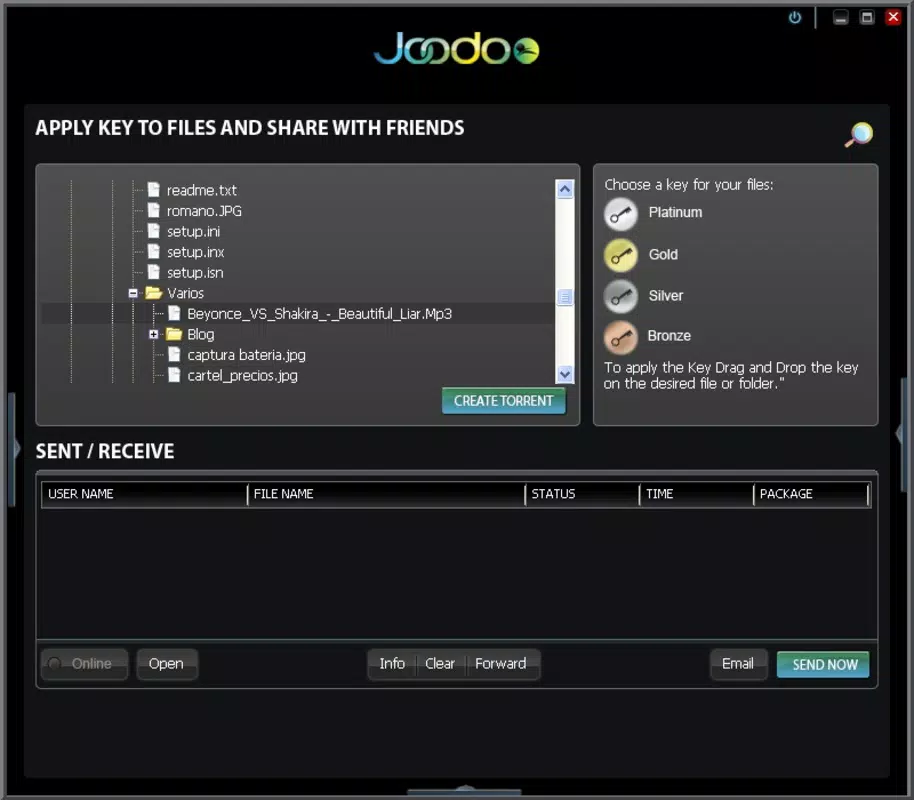
- Easy File Sharing: The app simplifies the process of transferring files through an intuitive interface, allowing users to select and send media with minimal steps, ideal for users seeking quick, hassle-free sharing.
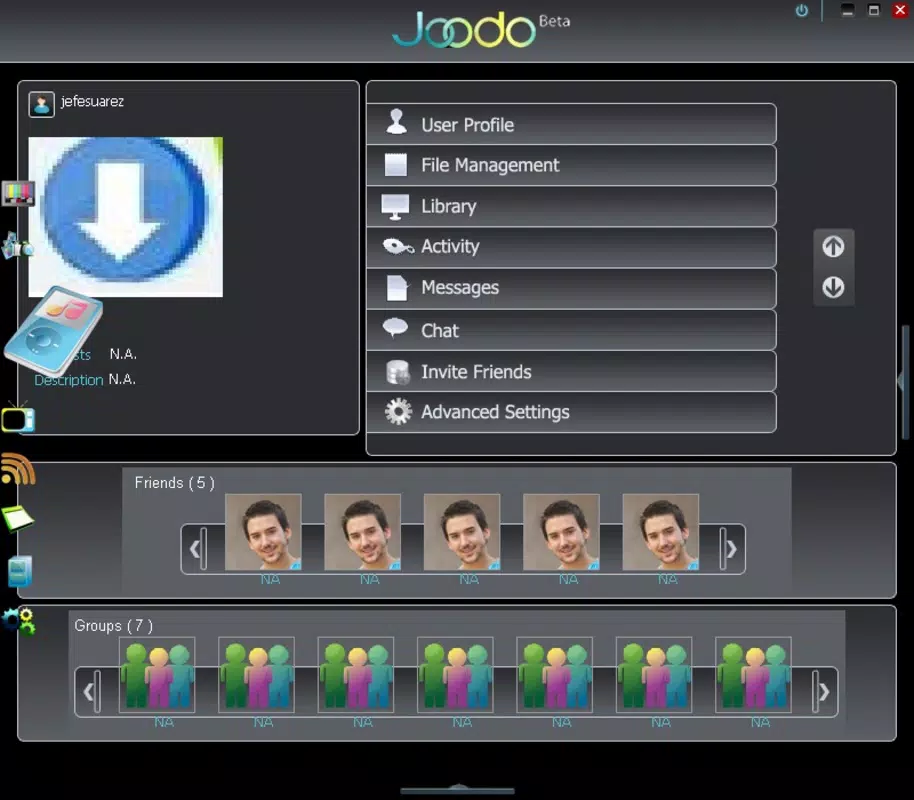
- Integrated Chat Functionality: A built-in chat feature supports real-time messaging, enabling users to communicate with contacts while coordinating or discussing shared files, enhancing the overall user experience.
- RSS Reader and Calendar: Joodo includes tools for staying updated with news via an RSS feed reader and managing personal events through a built-in calendar, offering a consolidated space for information and scheduling.
These features collectively support a seamless workflow for users who want to share media, communicate, and manage information—all within a single platform. For example, a family planning a reunion can use the calendar to schedule the event, the chat to discuss details, and the file-sharing function to distribute photos from past gatherings.
Interface, UX & Performance
Joodo presents a clean, functional interface designed for ease of use, with navigation centered around core activities such as file sharing, messaging, and accessing the multimedia player. The layout appears optimized for touch interaction, with clearly labeled buttons and straightforward access to key features. Users can quickly add contacts, initiate transfers, and view shared content without navigating through complex menus.
Although the developer did not list formal performance metrics, the app’s lightweight size of 2.1 MB suggests efficient resource usage, which may contribute to smooth operation on older or low-end Android devices. Responsiveness is expected to be adequate for basic tasks like sending files and playing media, though the lack of recent updates raises questions about compatibility with modern Android versions. Stability may vary depending on device hardware and network conditions, particularly given the app’s reliance on P2P connections.
Overall, the user experience appears focused on simplicity and functionality, prioritizing core tasks over visual polish. While the interface may appear dated by current standards, its straightforward design supports usability for users who value practicality over aesthetics.
Platform Compatibility & Technical Requirements
Joodo is available exclusively on the Android platform. The app’s current version is 1.0.1, with a file size of 2.1 MB, indicating a lightweight footprint suitable for devices with limited storage. The developer did not specify minimum OS requirements or compatibility details for newer Android versions.
Given its release date of August 27, 2008, the app predates many modern Android features and security standards. As such, users should exercise caution when installing on current devices, particularly those running Android 10 or later, where background execution and network permissions may be restricted. The absence of updated compatibility information makes it difficult to determine whether the app functions reliably on recent systems.
Pros and Cons
Pros
- Decentralized, privacy-focused file sharing via user-generated P2P network.
- Lightweight size (2.1 MB) ideal for older or low-storage devices.
- Integrated multimedia player enables direct playback of audio and video files.
- Multi-functional design with chat, RSS reader, and calendar features.
- Free to download and use with no in-app purchases.
Cons
- Outdated release date raises concerns about modern Android compatibility.
- No official update history or recent maintenance information.
- Limited documentation on system requirements and performance.
- May not function properly on devices running Android 10 or higher.
- Security and privacy practices not publicly disclosed.
FAQ
Is Joodo safe to install on modern Android devices?
While Joodo is free and available for download, its last release was in 2008. The developer did not provide updated compatibility details, so installation on newer Android versions may pose risks due to outdated security protocols and potential permission conflicts.
Can I use Joodo without an internet connection?
Joodo relies on a peer-to-peer network, which requires active internet connectivity for file sharing and messaging. Offline use is not supported, as all communication and data transfer depend on network availability.
Does Joodo support file transfers between Android and iOS users?
Based on the available information, Joodo is only available on Android. There is no indication of iOS support, so cross-platform file sharing between Android and iOS devices is not possible.
How do I update Joodo?
The developer did not publish update logs or a changelog. As such, no official method for updating the app is available. Users should rely on trusted sources for APK files if they wish to attempt installation.
Is Joodo still being developed?
There is no public evidence of ongoing development or active maintenance. The app has not been updated since 2008, and the developer has not released any new versions or announcements.
Final Thoughts
Joodo represents a pioneering approach to mobile file sharing, combining P2P technology with a suite of productivity tools in a single lightweight package. Its emphasis on privacy, direct user-to-user connections, and integrated features like a multimedia player and calendar make it a unique tool for users who value control and simplicity. While its age and lack of modern updates present challenges, especially on current Android systems, it remains a viable option for users with older devices or those interested in retro mobile utilities.
For individuals seeking a secure, free, and multi-functional app for sharing media and managing daily tasks, Joodo offers a distinctive value proposition. Despite its limitations, it continues to serve as a testament to early mobile innovation. Download Joodo now.


